Dates that know the market is closed.
Your OpenBB widgets already say $currentDate-1w, and BDOBB still understands it. On top of that it adds trading days, sessions, fiscal periods, ranges and option expiries, resolved against an exchange calendar with its holidays and early closes. Saved values stay as expressions, so a dashboard is still right next Tuesday.
Type an expression.
Get the answer the app would send.
This box runs BDOBB's own date code, unchanged from v7.0.0 through v10.0.0, with its bundled NYSE calendar, right in your browser. Pick the Friday after Thanksgiving to see an early close, or a Saturday to see the next session.
A vocabulary built for markets.
Each result below is resolved live for the as-of time you picked. Click one to load it into the calculator.
| Expression | Means | Resolves to | Parameter type |
|---|
What you keep, and what you gain.
Keep: OpenBB's spelling
$currentDate with an offset, as in $currentDate-1w, works unchanged. BDOBB treats it as the older spelling of T, offsets included.
Gain: market anchors
trade_date, prev_trade_date, session_open and session_close, plus bd business-day steps that skip exchange holidays.
Gain: periods and fiscal years
W, M, Q, Y, FQ and FY anchors with counts, such as Q-4, read against each issuer's fiscal year end.
Gain: ranges
Two ends joined by .. or /, such as FQ-4..FQ0 or T-MON..T+FRI, for date-range and quarter-range parameters.
Gain: expiries and data bounds
EXP follows an option symbol's expiry, monthlies away with EXP+1. earliest and latest follow the data a widget has reported.
Gain: honest fallbacks
An unparseable value is sent exactly as written, and the app says so. If no calendar is available, a weekday table answers and a warning shows.
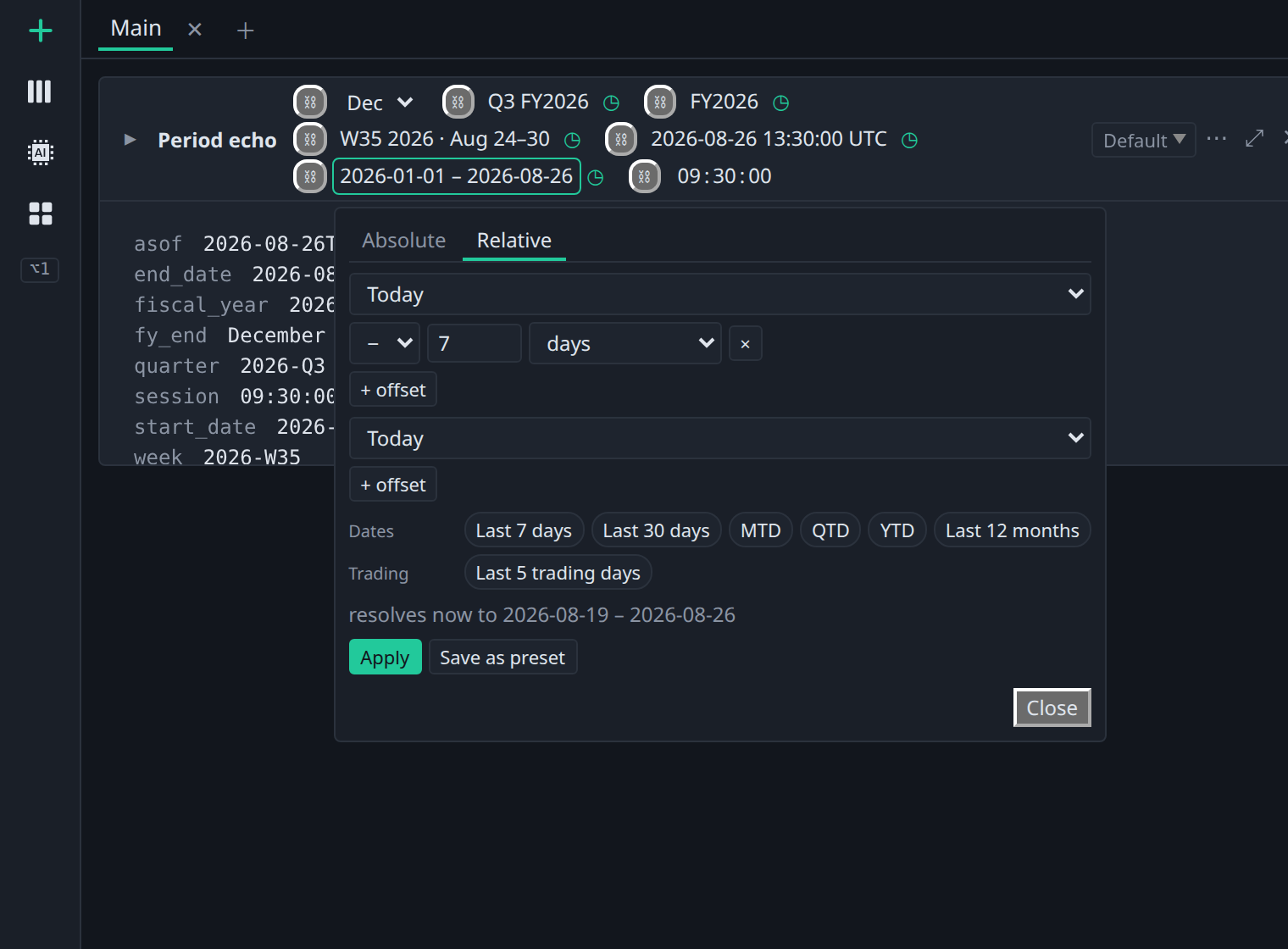
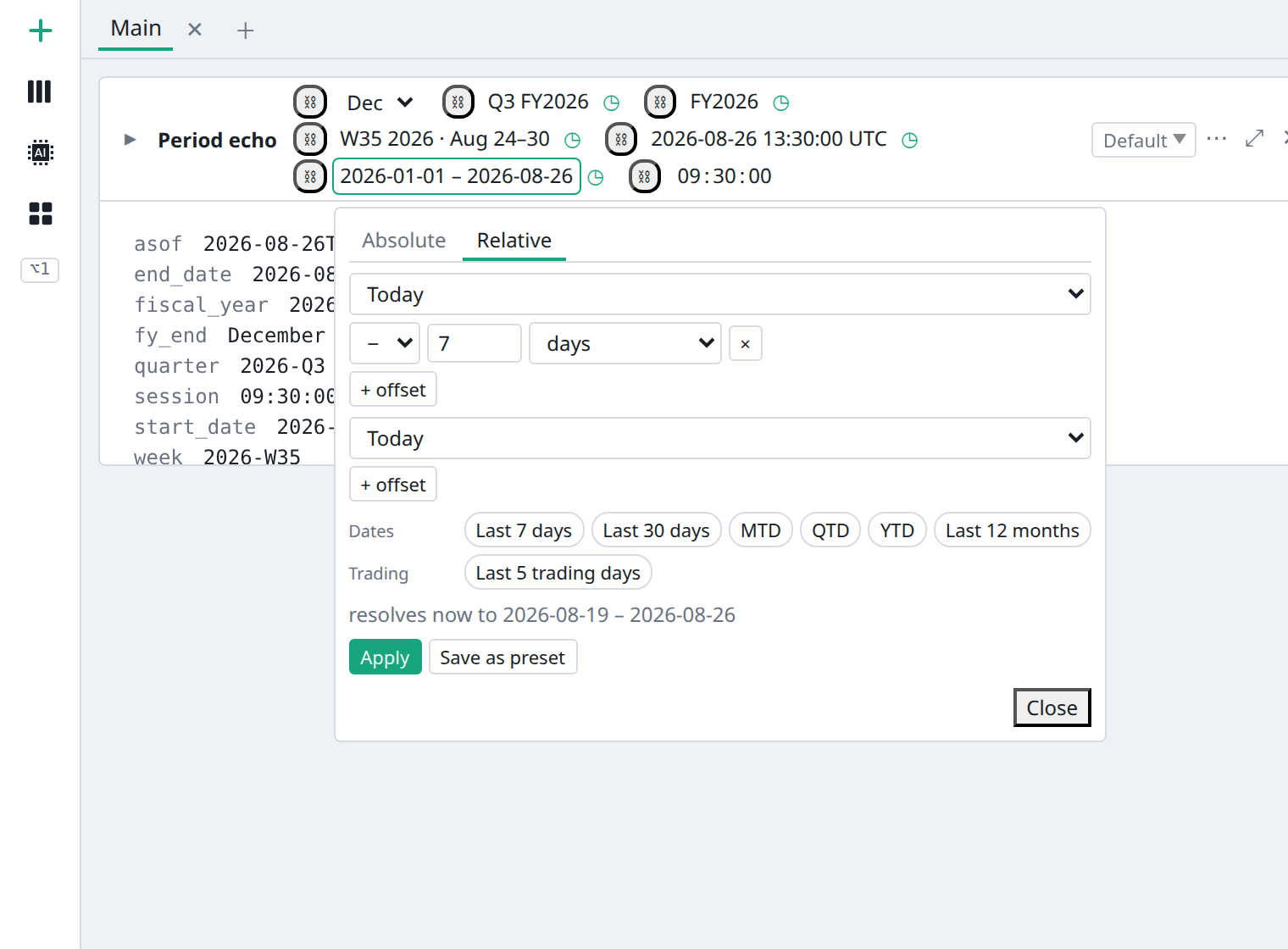
Relative, right on the control.
Every period control has a Relative tab. Build the expression from anchors and offsets, pick a preset such as Last 5 trading days, and see what it resolves to before you apply it.