Pinned & locked BDOBB 8.0 and later
Widgets that stay where you need them.
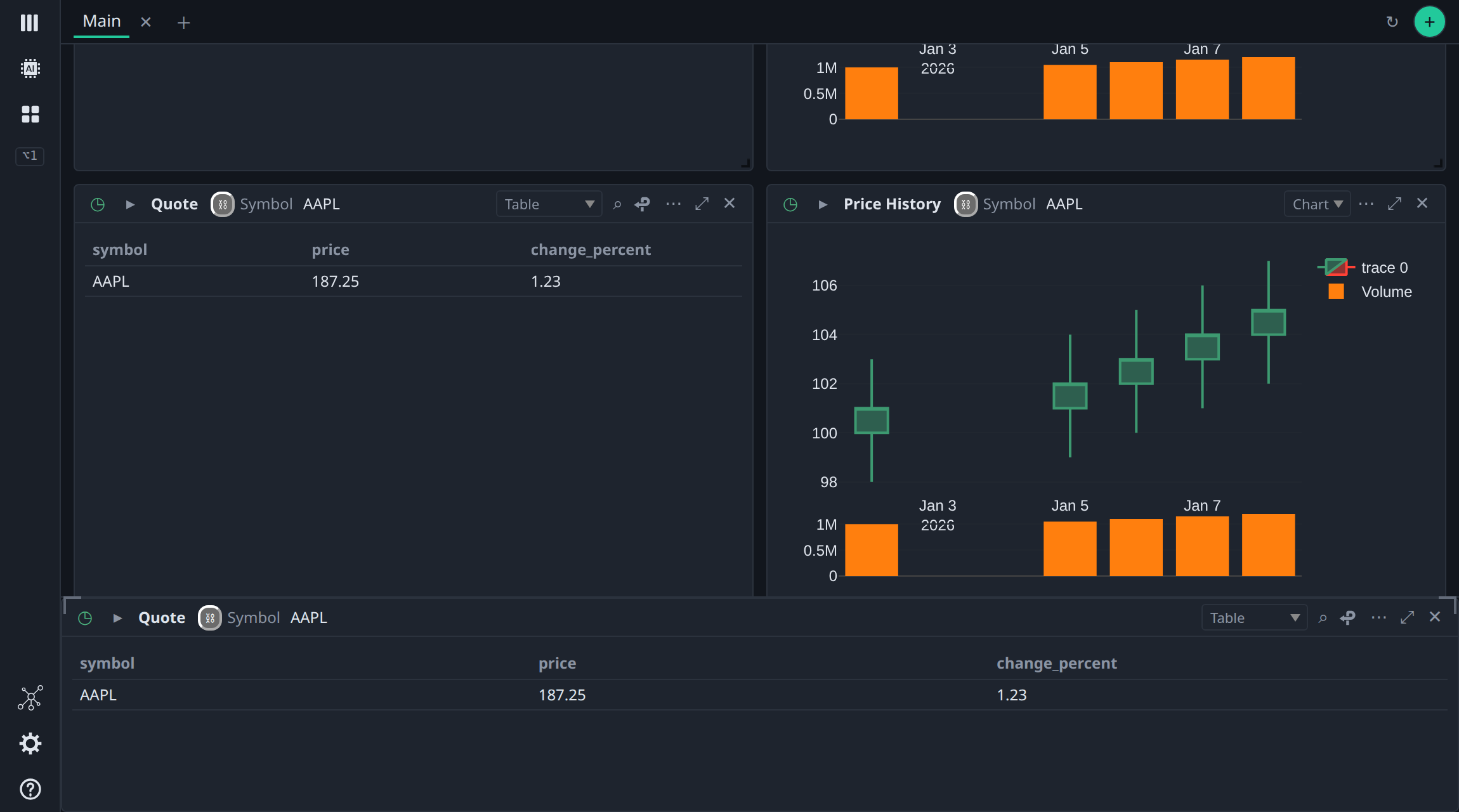
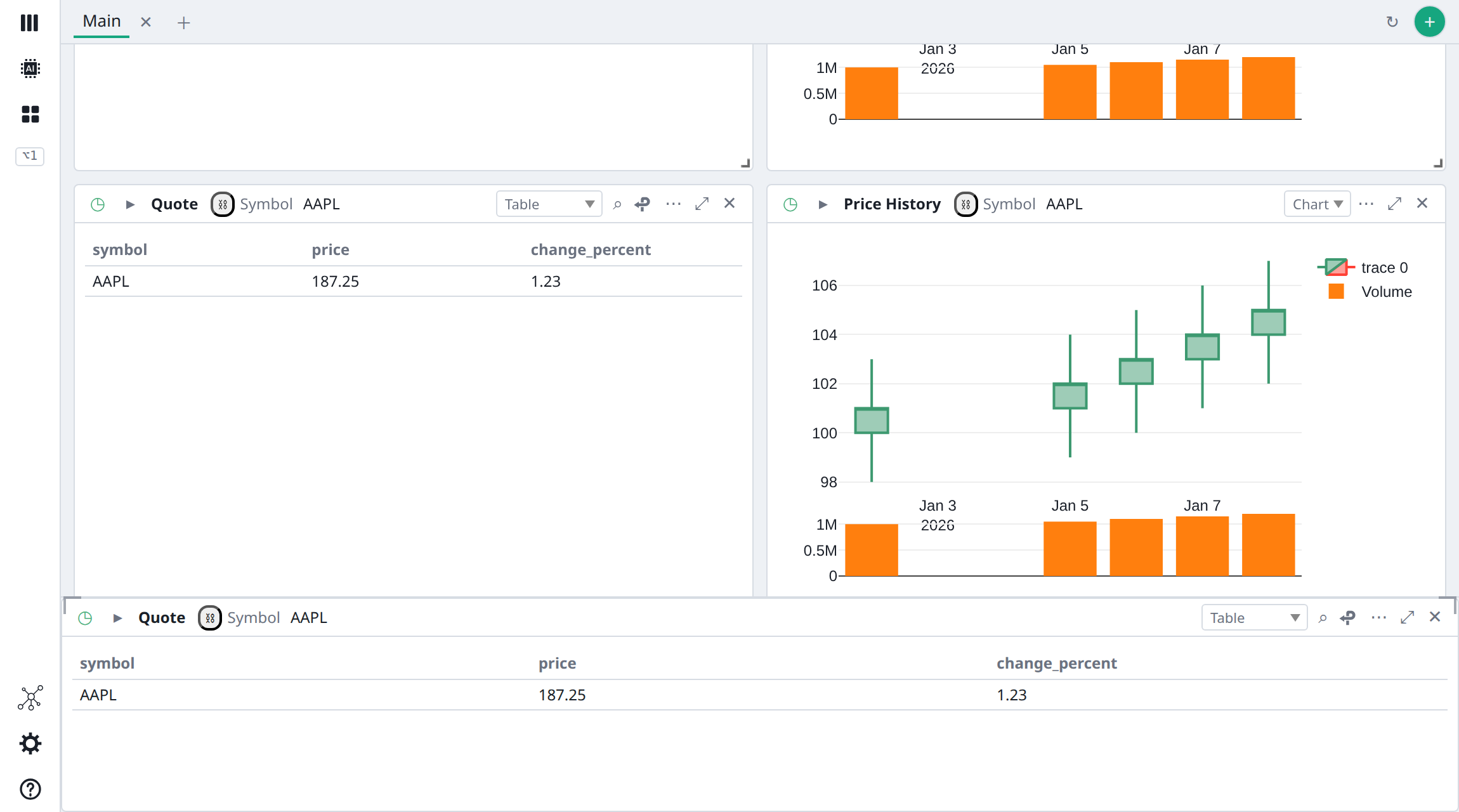
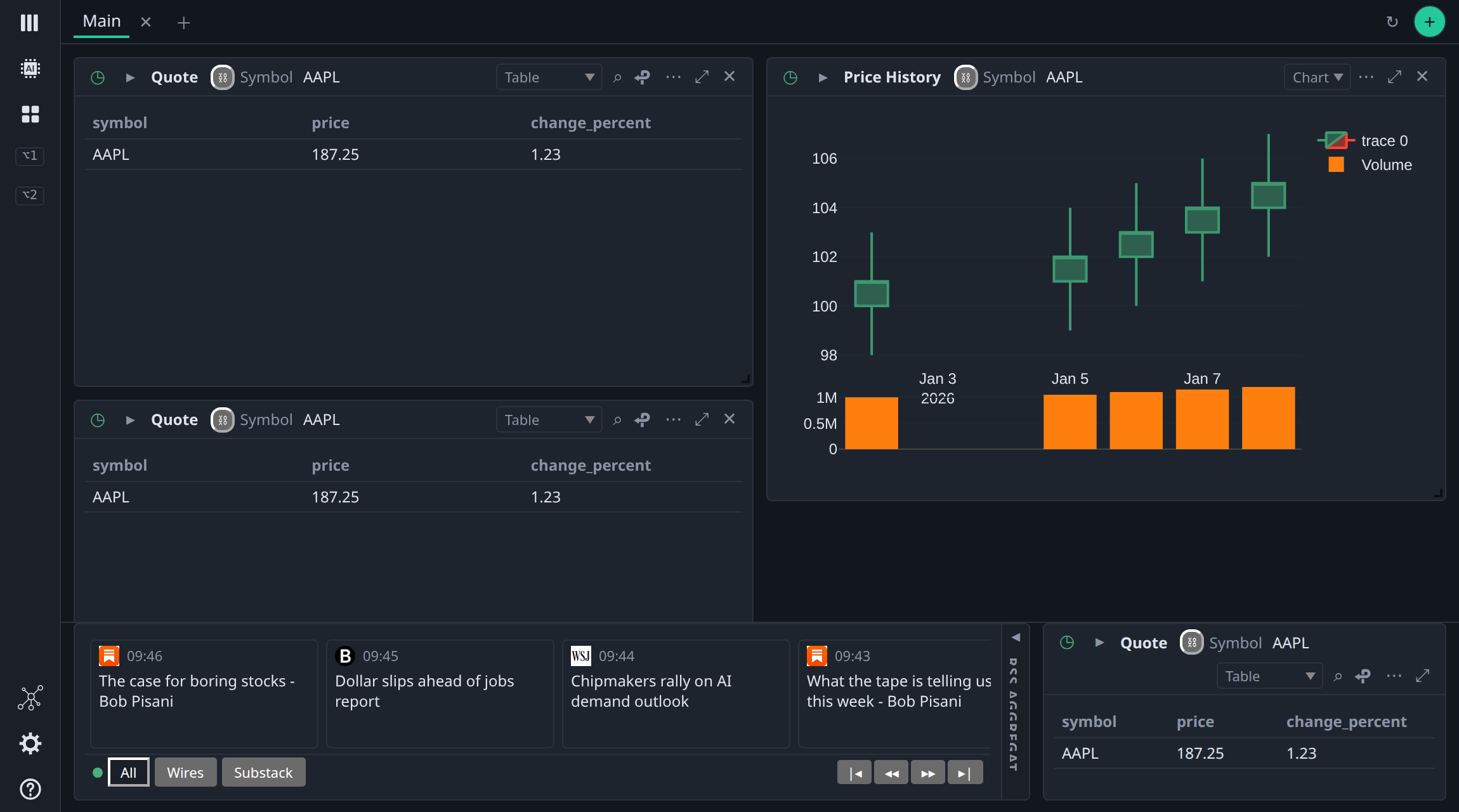
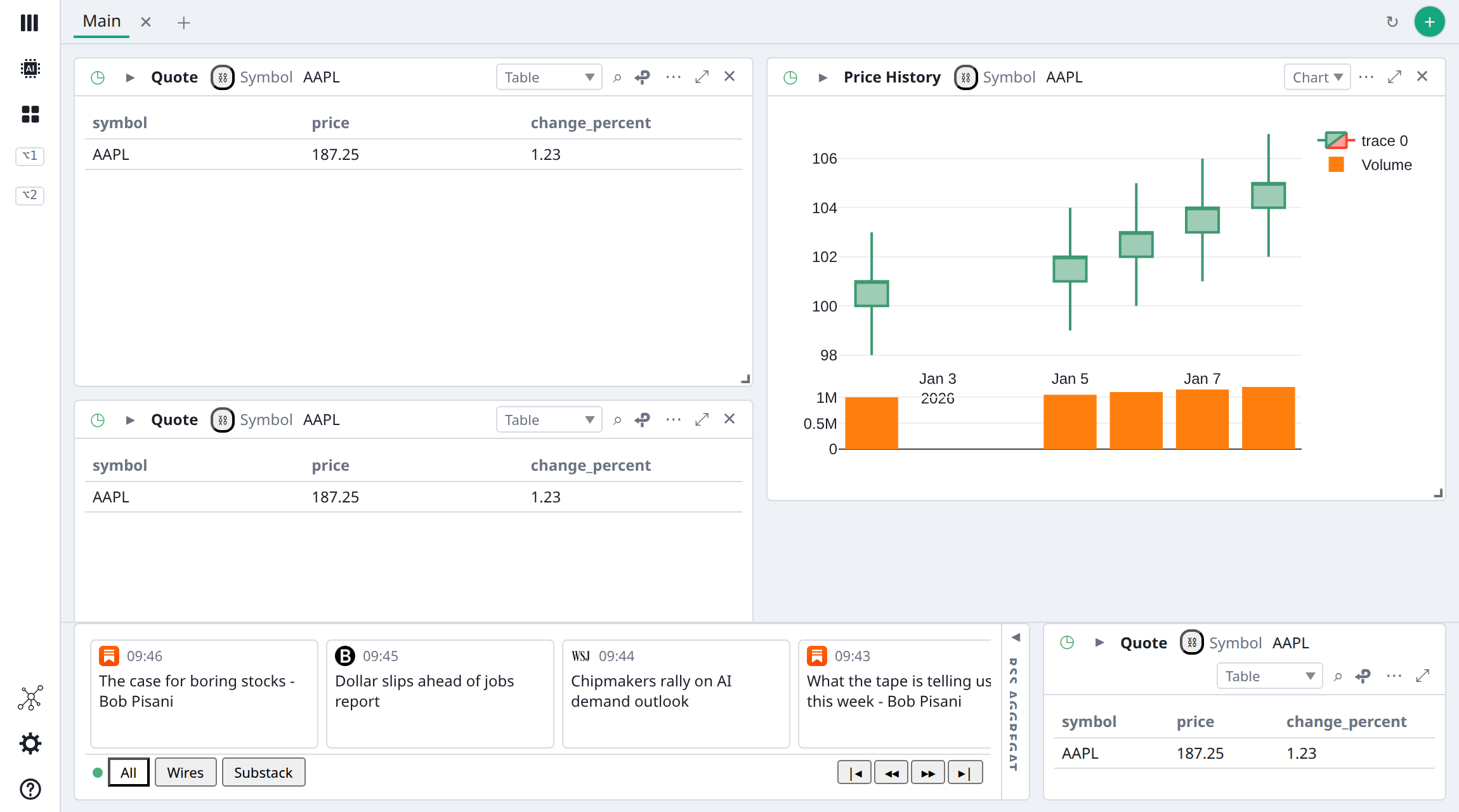
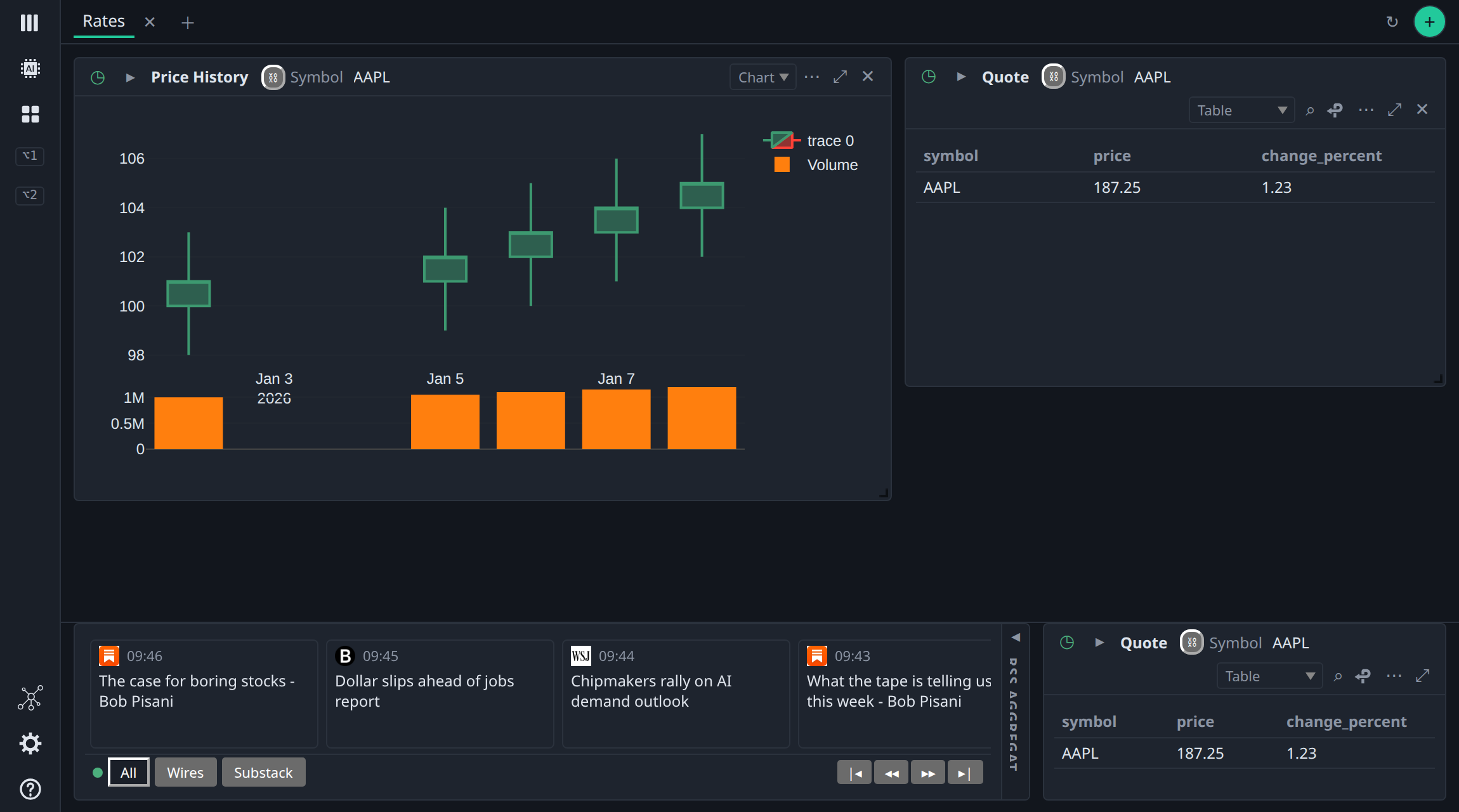
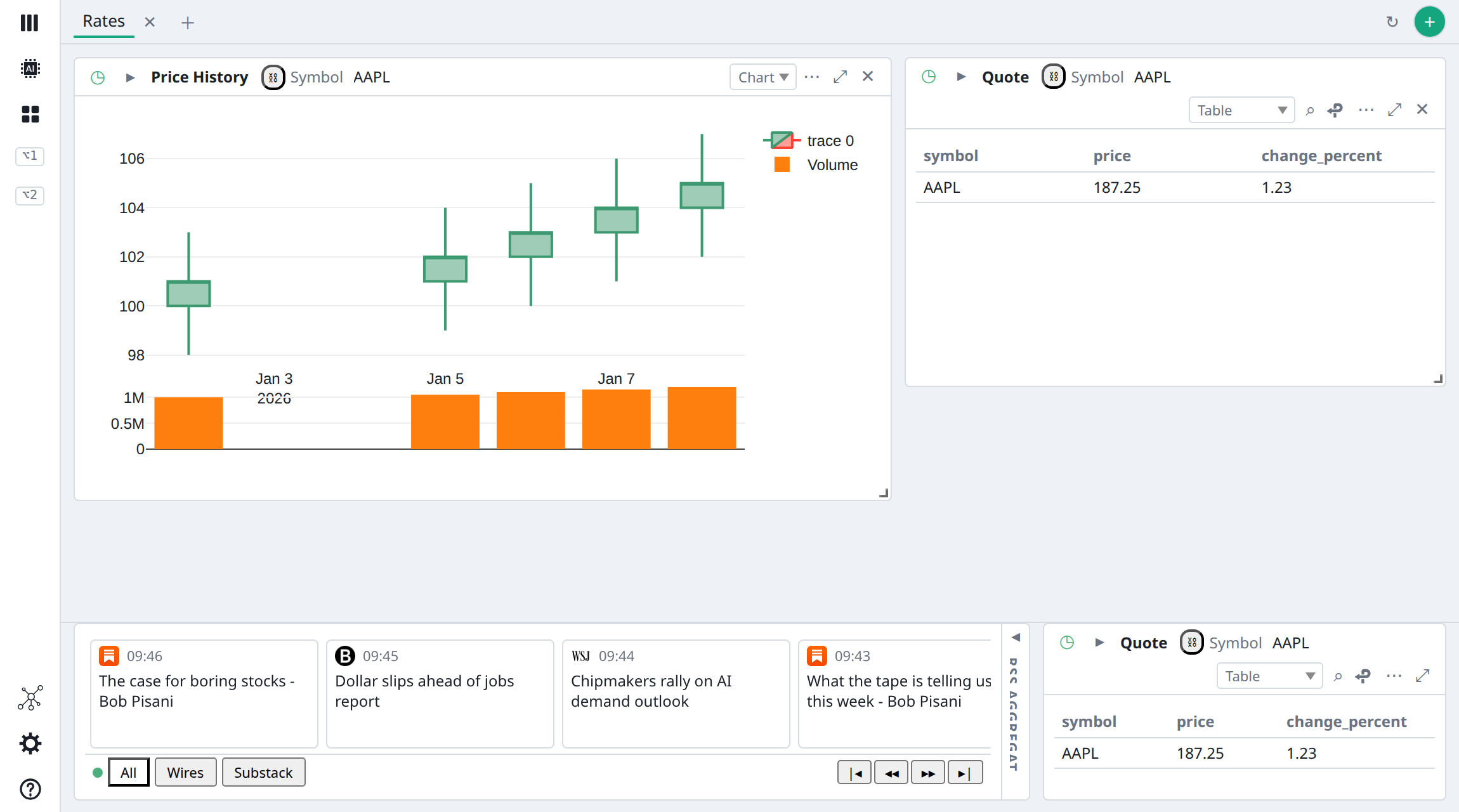
In Workspace, every widget lives in its dashboard's scrolling grid. BDOBB keeps that grid and adds two ways to hold a widget in view. Pin one widget to the top or bottom of a dashboard so it stays put while the charts scroll. Lock a band of widgets onto every dashboard, so the news wire is always there and never reconnects.
Live demo
Pin a card, then switch tabs and dashboards.
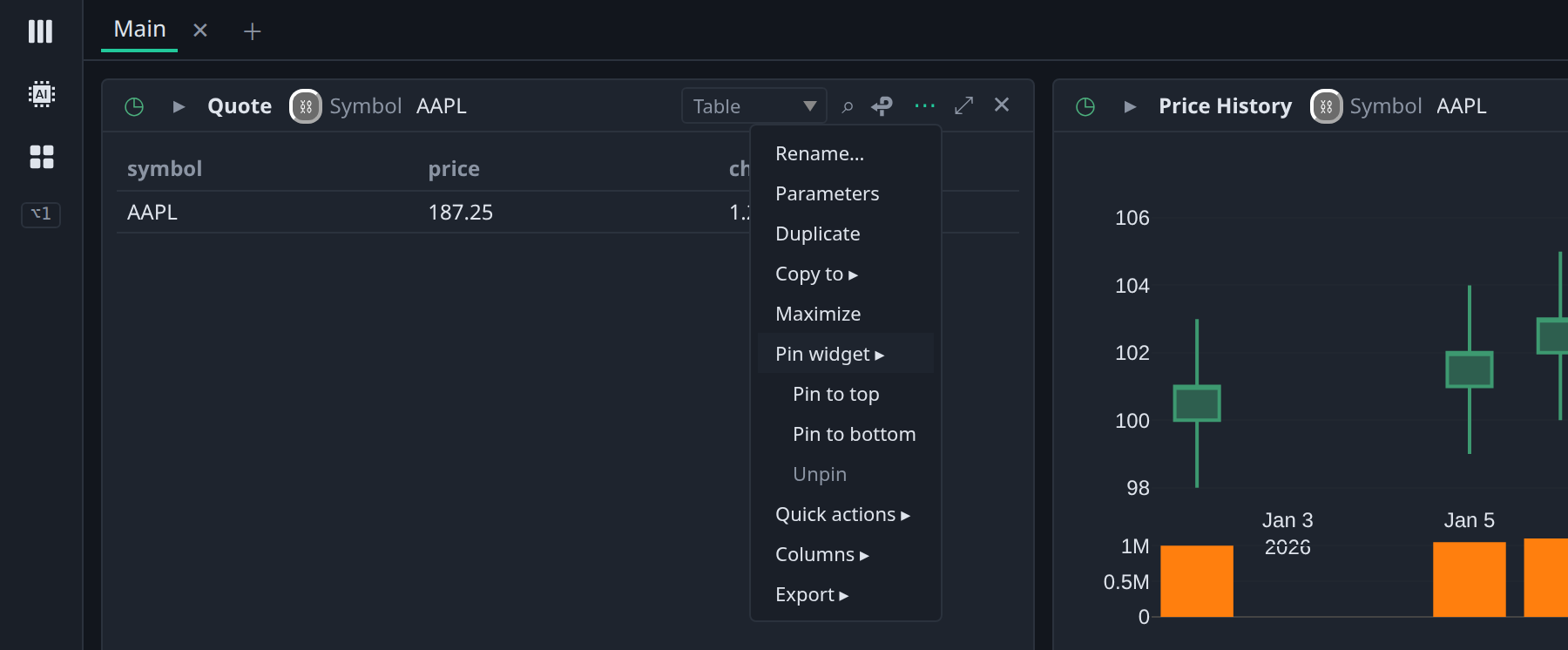
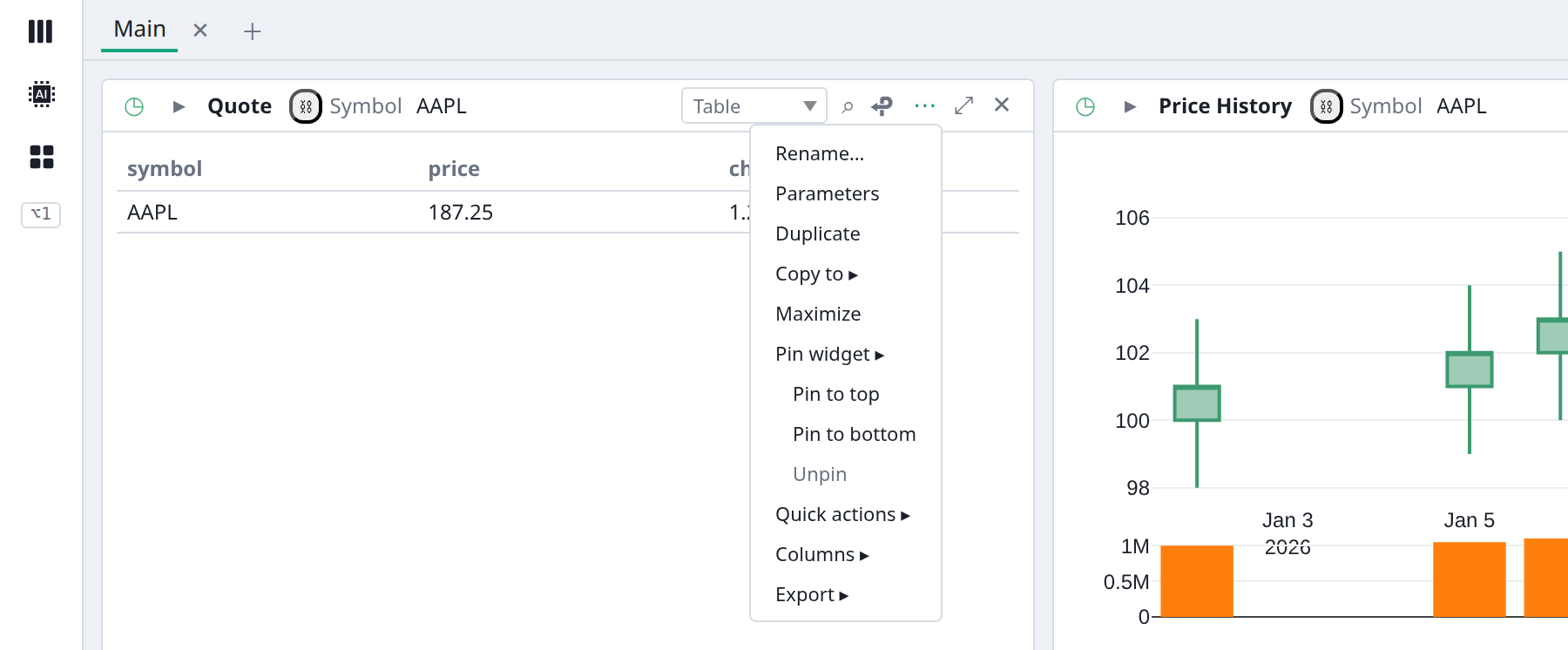
Open any card's ⋯ menu and choose Pin widget. The Watchlist summary starts pinned to the top of the Equities Main tab; each tab keeps its own pins. Watch the timers: the grid reloads when you switch, but the locked band's connection keeps counting.
Activity
Two tools, one idea
Pinning is per tab.
Locking is for the whole app.
| Pinned widget | Locked widgets | |
|---|---|---|
| Belongs to | One tab of one dashboard | The app: every dashboard and every tab |
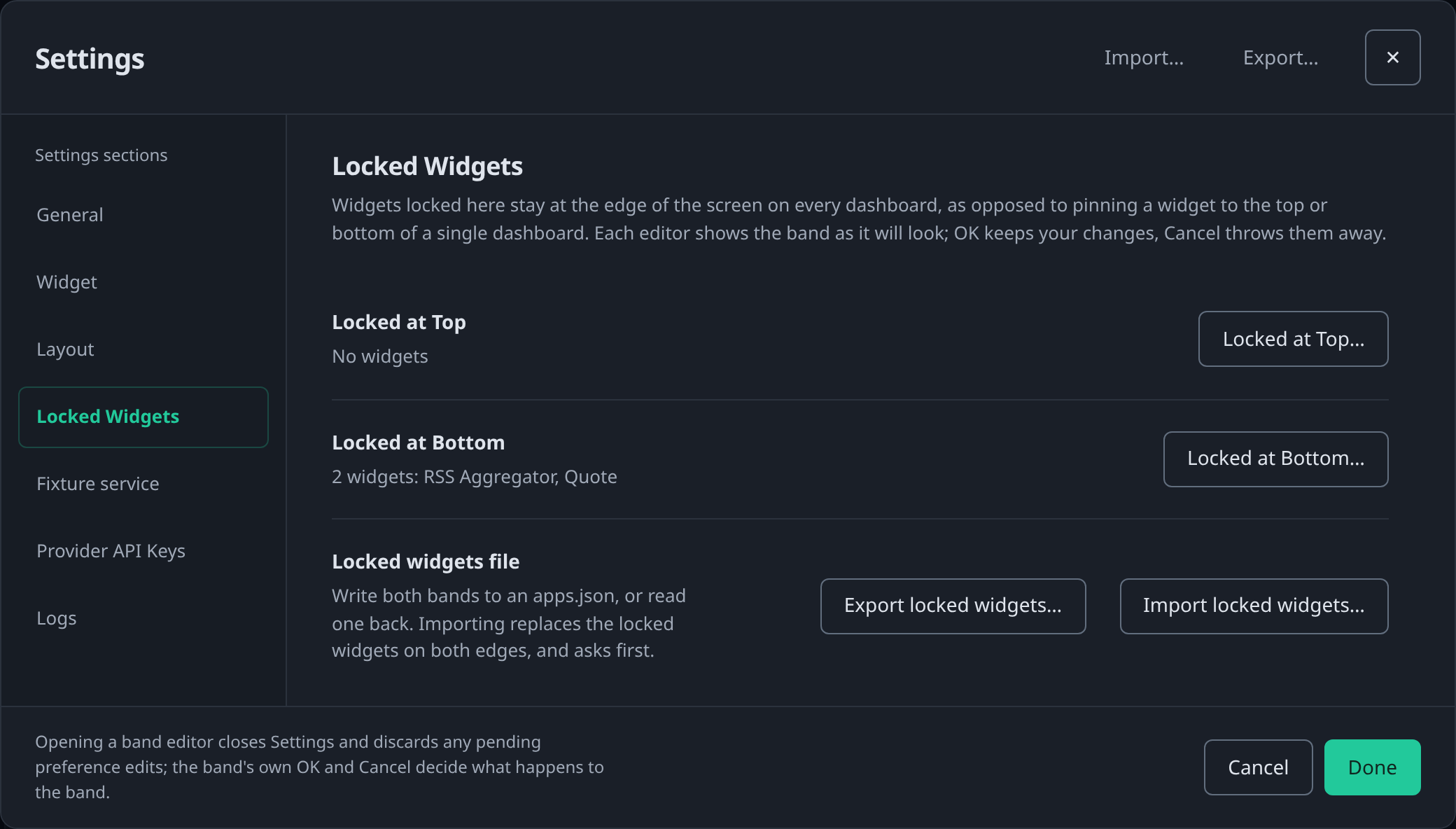
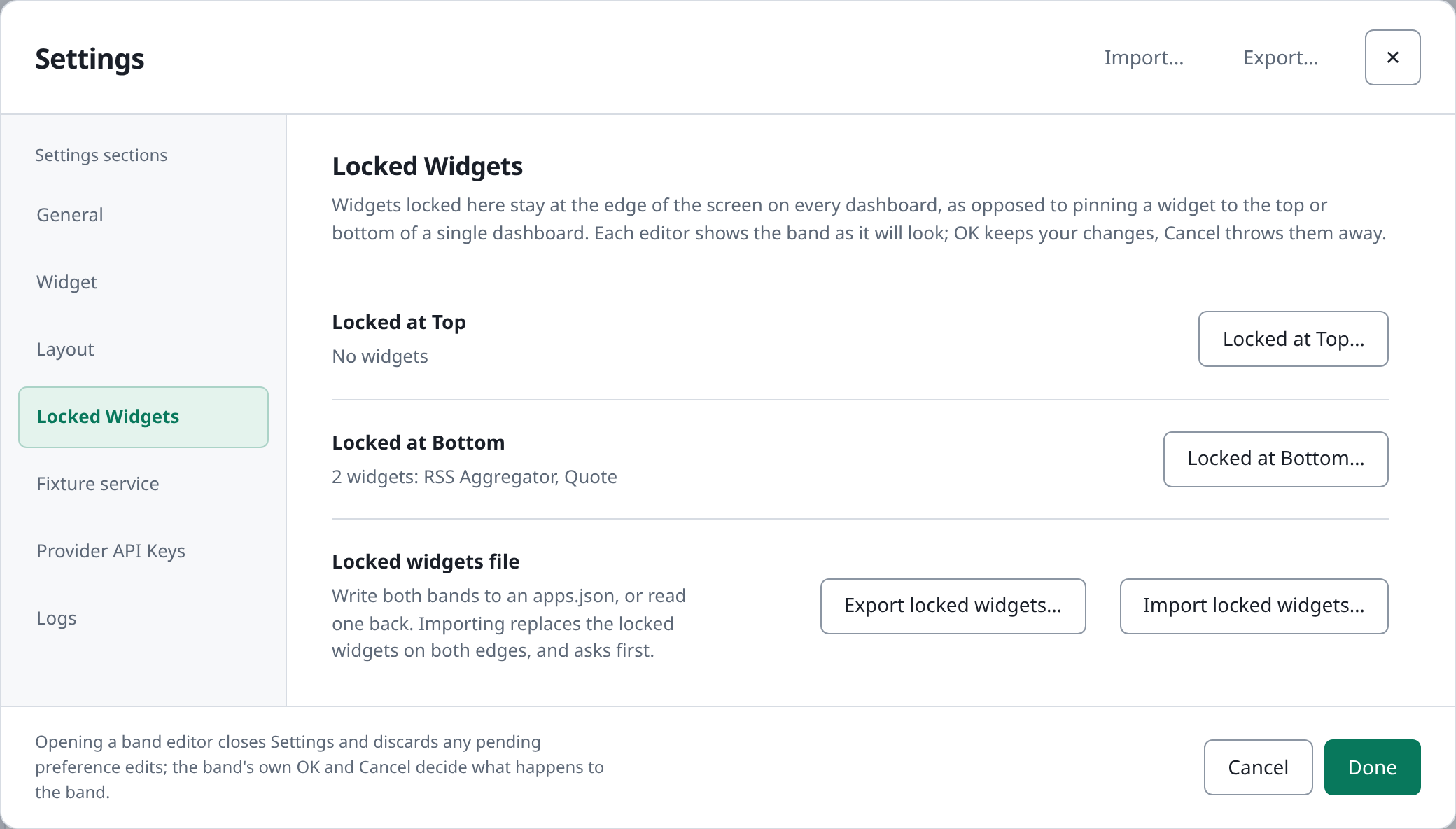
| How you set it | The card's ⋯ menu: Pin widget ▸ Pin to top, Pin to bottom, Unpin | Settings ▸ Locked Widgets ▸ Locked at Top… or Locked at Bottom… |
| How many | One card per edge per tab; pinning a second swaps the first back into the grid | A band of several widgets, laid out on a small grid of its own |
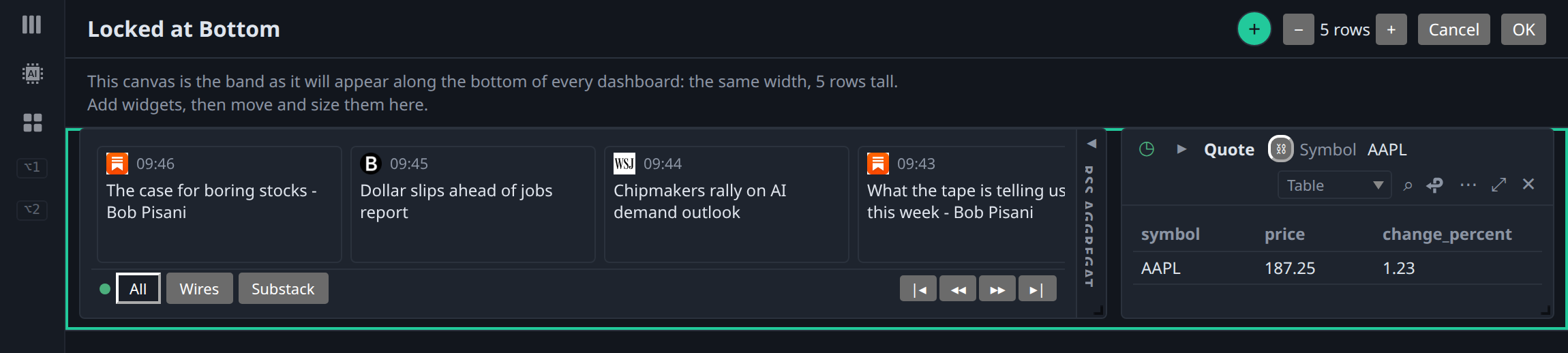
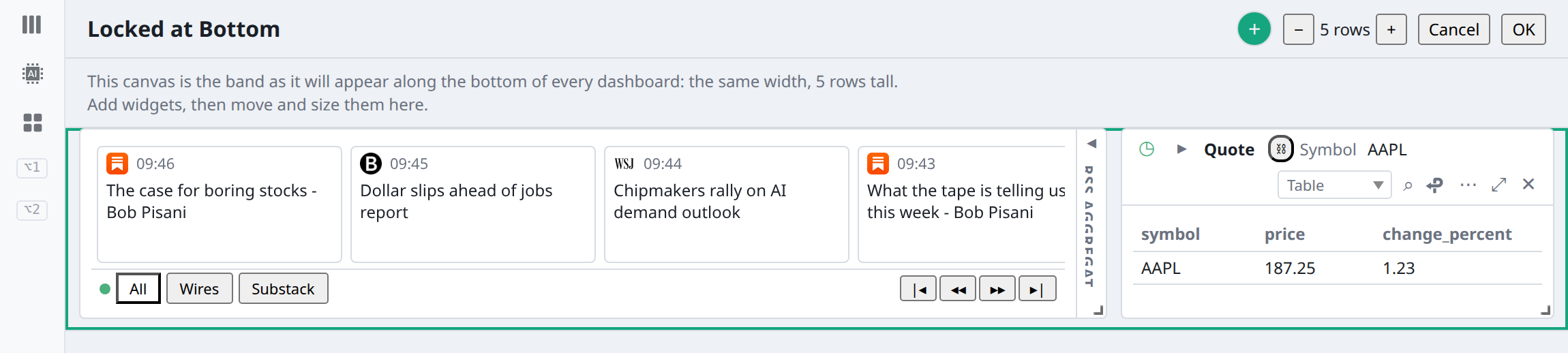
| Editing | The card keeps all its controls | Live but read-only on the dashboard; edited on a WYSIWYG canvas with OK and Cancel |
| Connection | Stays in view while the rest of its tab scrolls | Mounted once, so a WebSocket stays connected and a chart keeps its zoom across dashboards |
| Unpin or remove | Returns to its old grid place, untouched | An empty band disappears instead of leaving a blank strip |
| Travels with | Saved with its dashboard and synced with it; Save… as BDOBB Workspace writes it, Strict OpenBB Workspace leaves it out | Synced with a Workspace server as one hidden record per account; Export locked widgets… and Export all dashboards… carry the bands |
| Viewer windows | Show both, read-only. | |
In the app
What it looks like in BDOBB.
Screenshots from BDOBB 8.1.2 running against its mock OpenBB backend, with sample data. Click any one to see it full size.
Built for big screens
Never miss a headline, whichever dashboard is up.
- One wire, everywhere. No more copying the same widget onto every dashboard and keeping the copies in step.
- A summary that stays on top. Keep the table that matters in view while you scroll the charts below it.
- Honest edits. Cancel throws away every change made in the editor, including moves, resizes and parameters.
- Plays well with the rest. A locked band and a pinned card on the same edge stack, band outermost; Rita's pane narrows both.
Release note. Pinned cards and locked widgets both arrived in BDOBB 8.0.0, with Rita's
pin_card tool, and carry through 9.0.0 and 10.0.0. A file that holds pins opens in BDOBB 8.0.0 or later; a BDOBB 7 install on the same sync account keeps the dashboard and simply does not show the pin. The screenshots above come from the earlier 8.1.2 line and match the same menus.