More screen, more views, more help.
The rest of what BDOBB adds on top of the OpenBB contract: several dashboards on one screen, views that read the data you already have, an agent that can act on the app, and the same app on iPad.
One layout for the big monitor.
Another for the laptop.
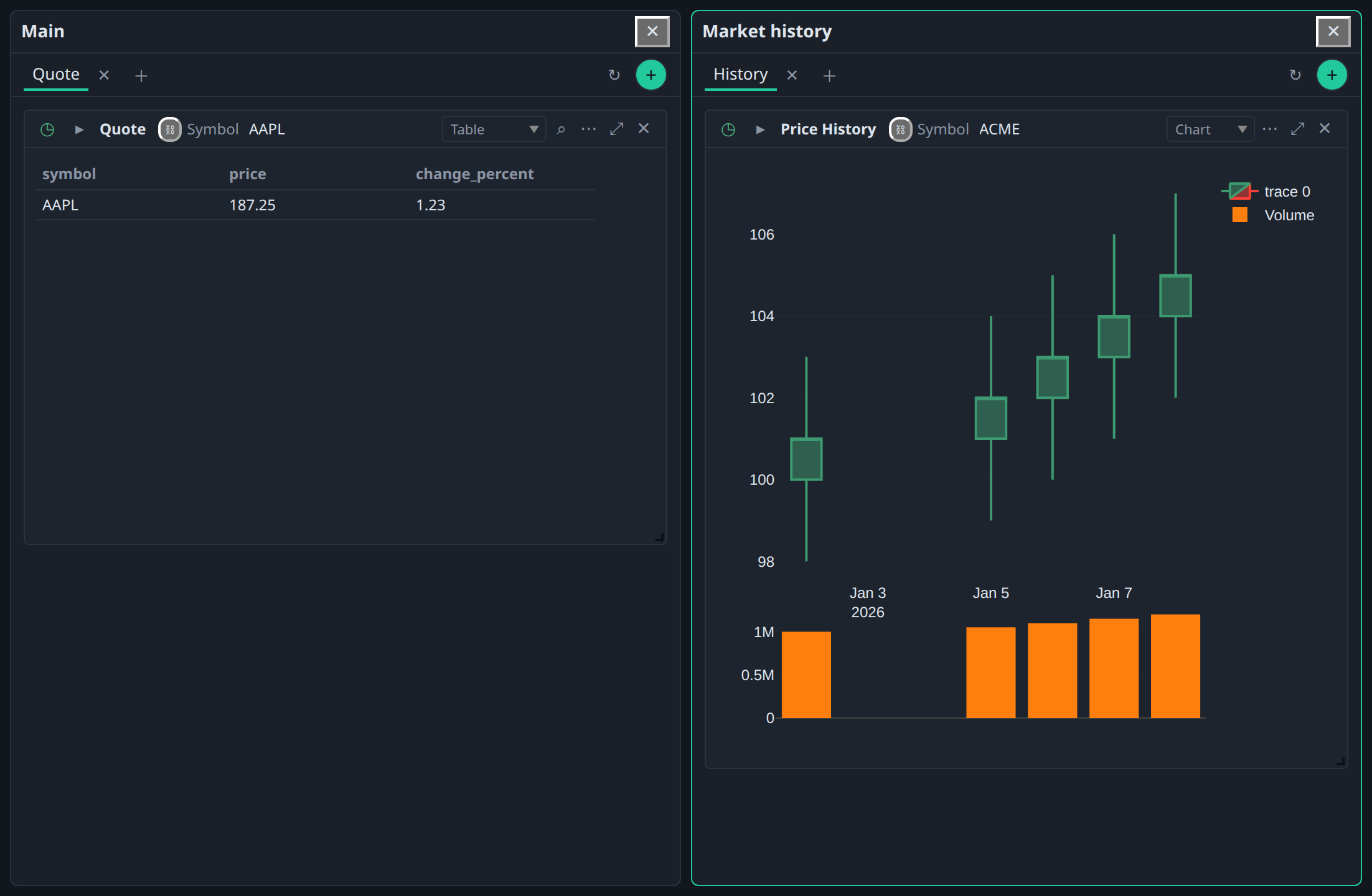
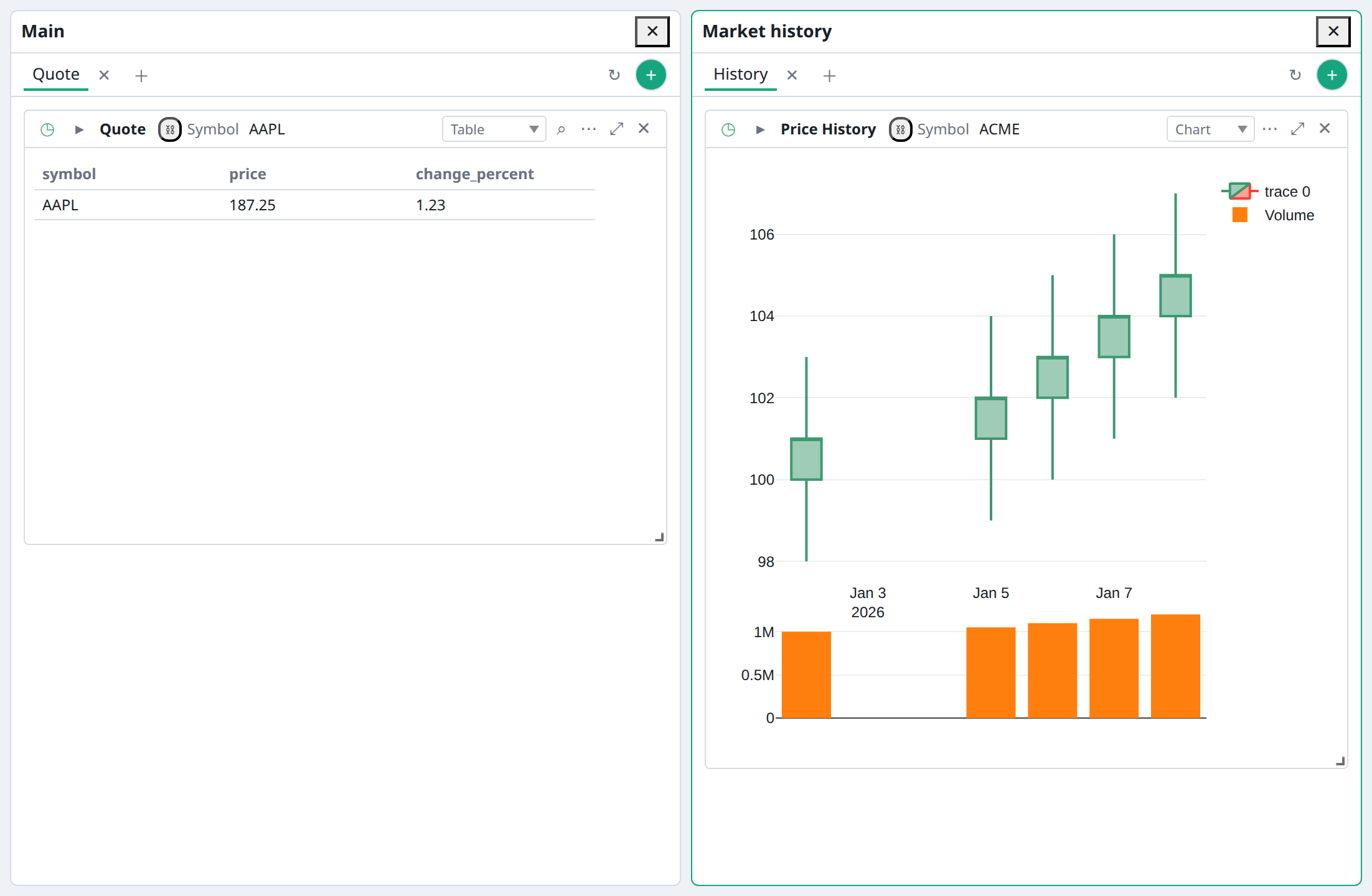
Workspace shows one dashboard at a time. A BDOBB workspace puts several existing dashboards on screen together, each with its own tabs, cards and controls. A tile holds the dashboard itself, not a copy, so an edit shows up everywhere it is open.
Home monitor · your saved layout
Build a six-panel desk in Arrange on the 12 × 12 grid and save it as a layout.
Laptop · built in
Two dashboards side by side.
iPad · Full Screen
One dashboard, edge to edge.
- Built-in layouts. Full Screen and Laptop, plus any layout you save from Arrange.
- Move, swap and resize tiles by hand. Switching to a smaller layout says how many dashboards are out of sight.
- A pinned rail per workspace. Each workspace remembers whether its left rail stays open.
- Screen-aware launch. Minimum resolutions per workspace, best-fit choice at launch and uniform zoom on a smaller screen. Since v7.0
Workspaces and saved layouts are stored on each device, separately from dashboard exports.
New ways to read the rows you already fetch.
BDOBB offers views based on the data that arrived: Chart, Calendar, Statement, Transposed and Raw. No backend change is needed.
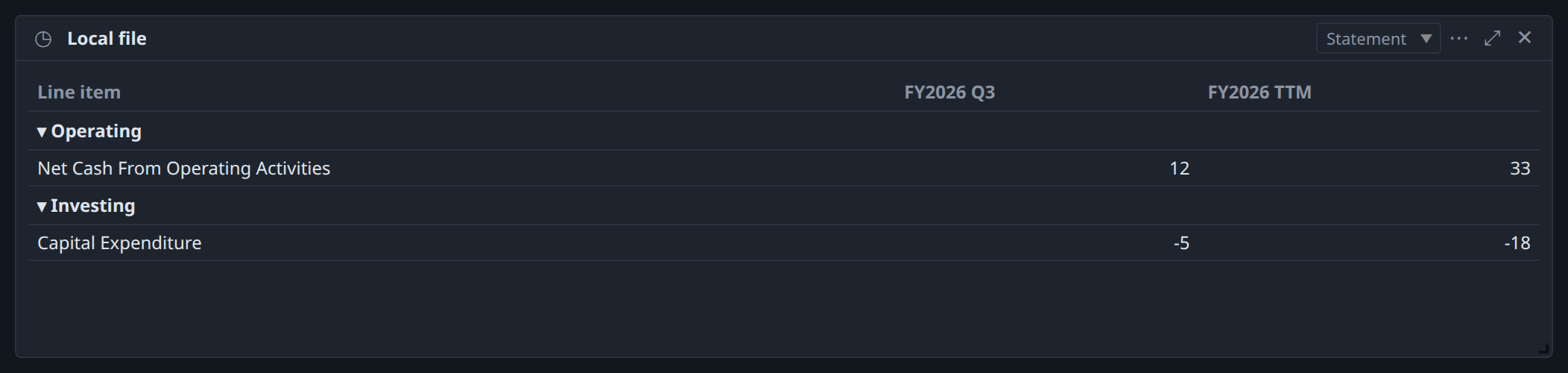
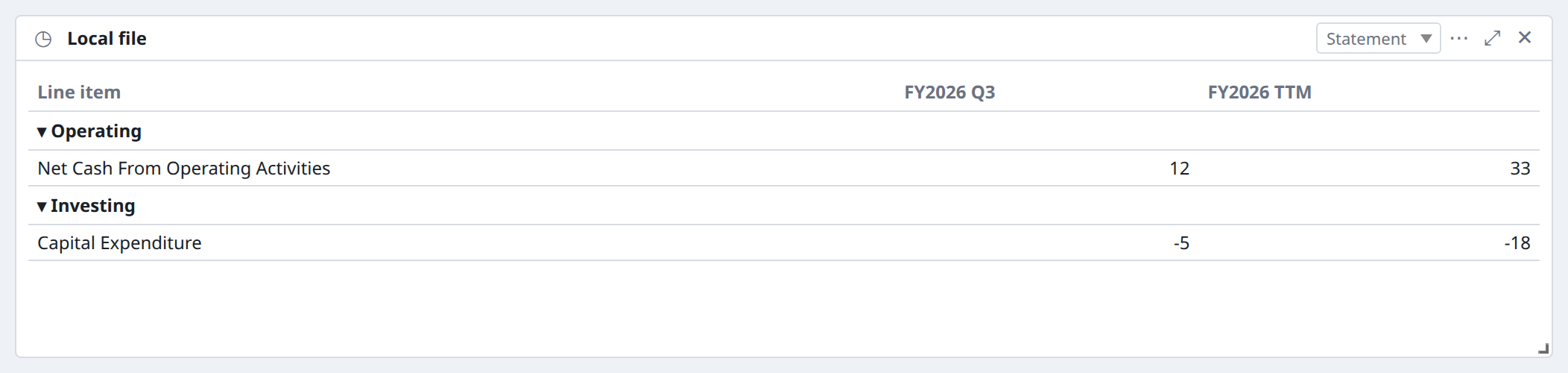
Statement view
Financial-statement rows fold into sections with fiscal periods as columns. Version-pinned templates map source facts to lines; a calculation with mixed currency or units shows #ERROR with the reason instead of a wrong number. Exports to CSV, JSON and XLSX keep the full line items.
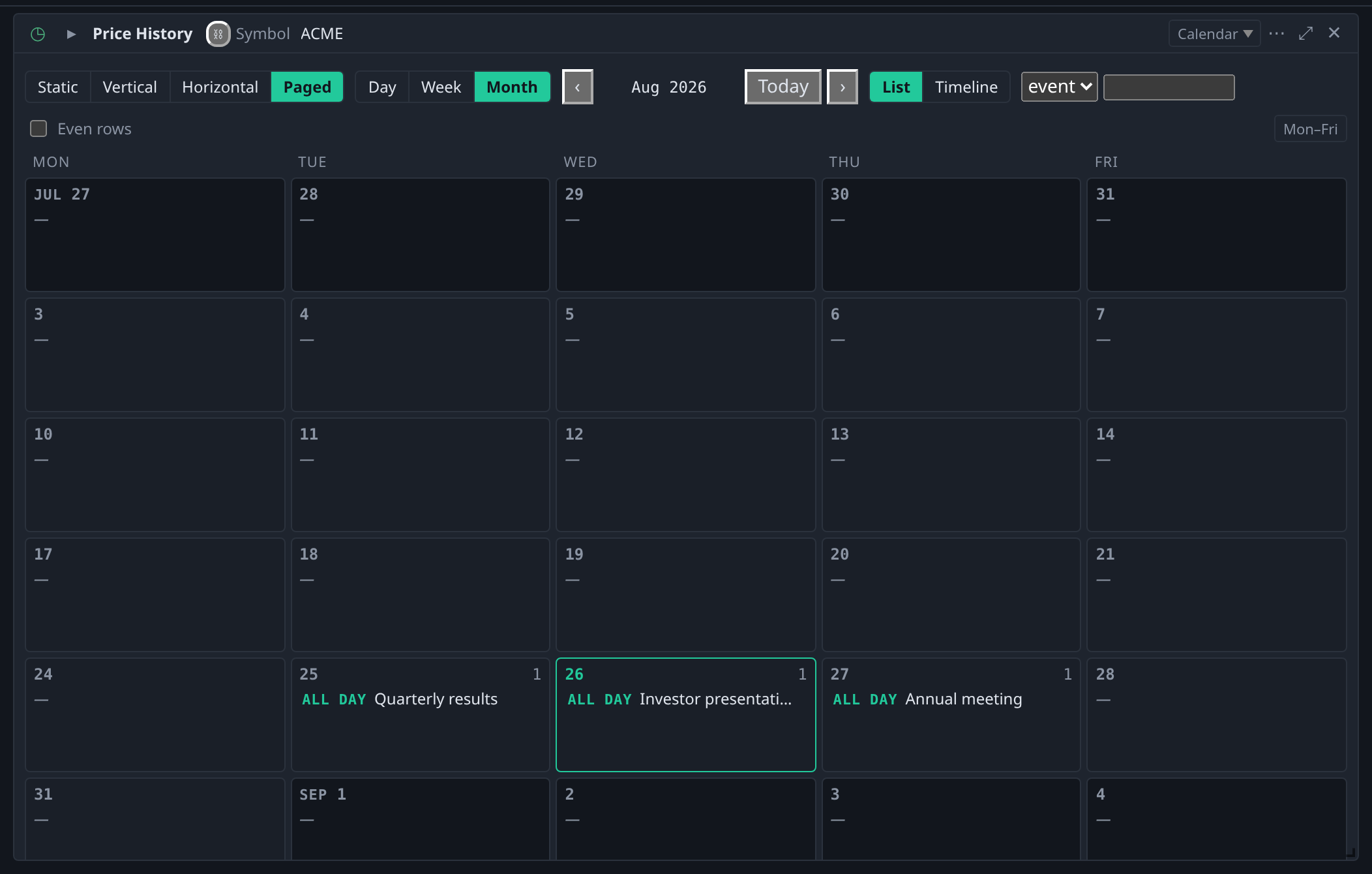
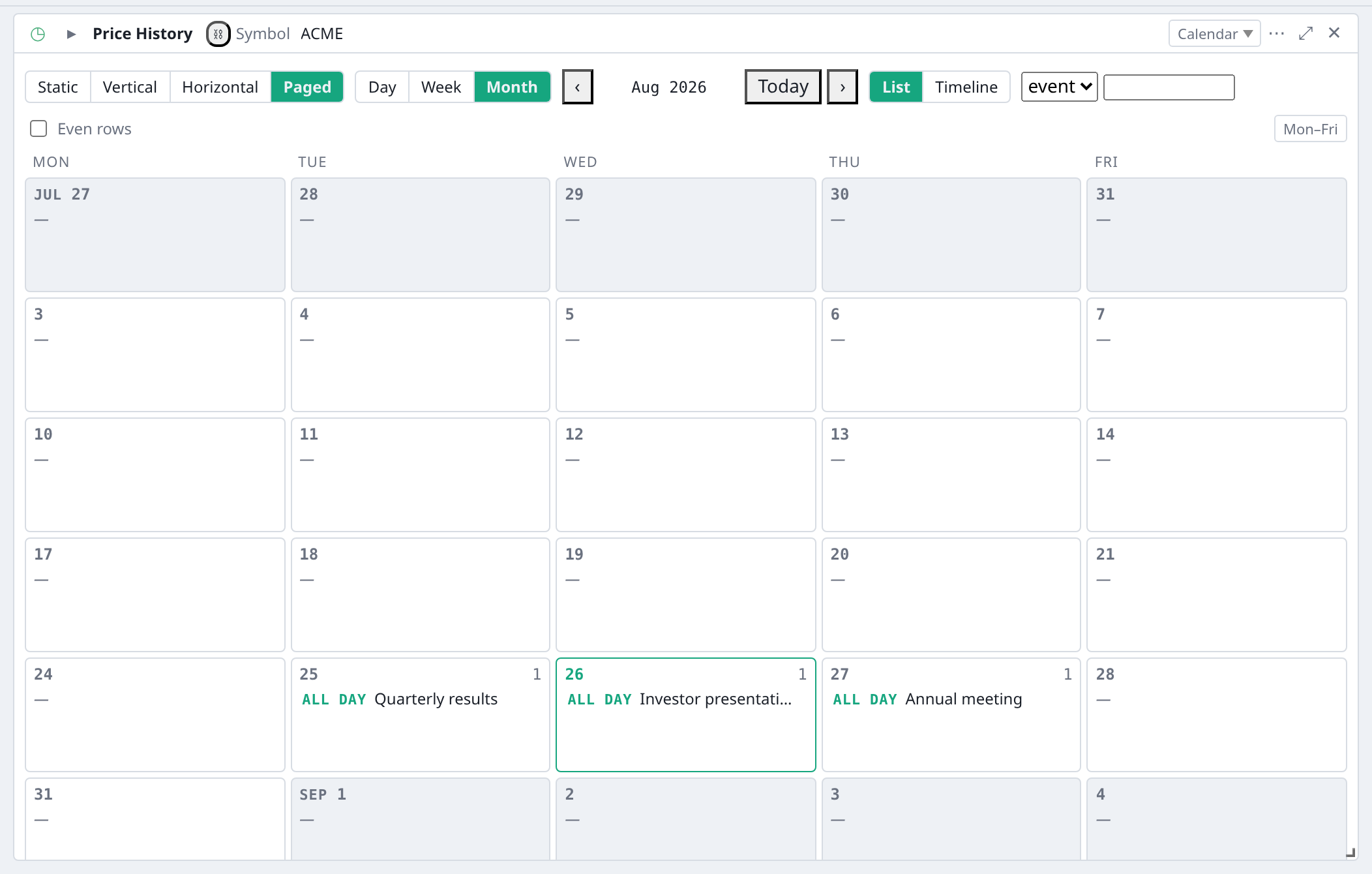
Calendar view
Any table with a date column can show day, week or month calendars, such as earnings dates, auctions or dividends. Navigation and filters are saved with the card.
An agent that can act on the app, with an Undo for every change.
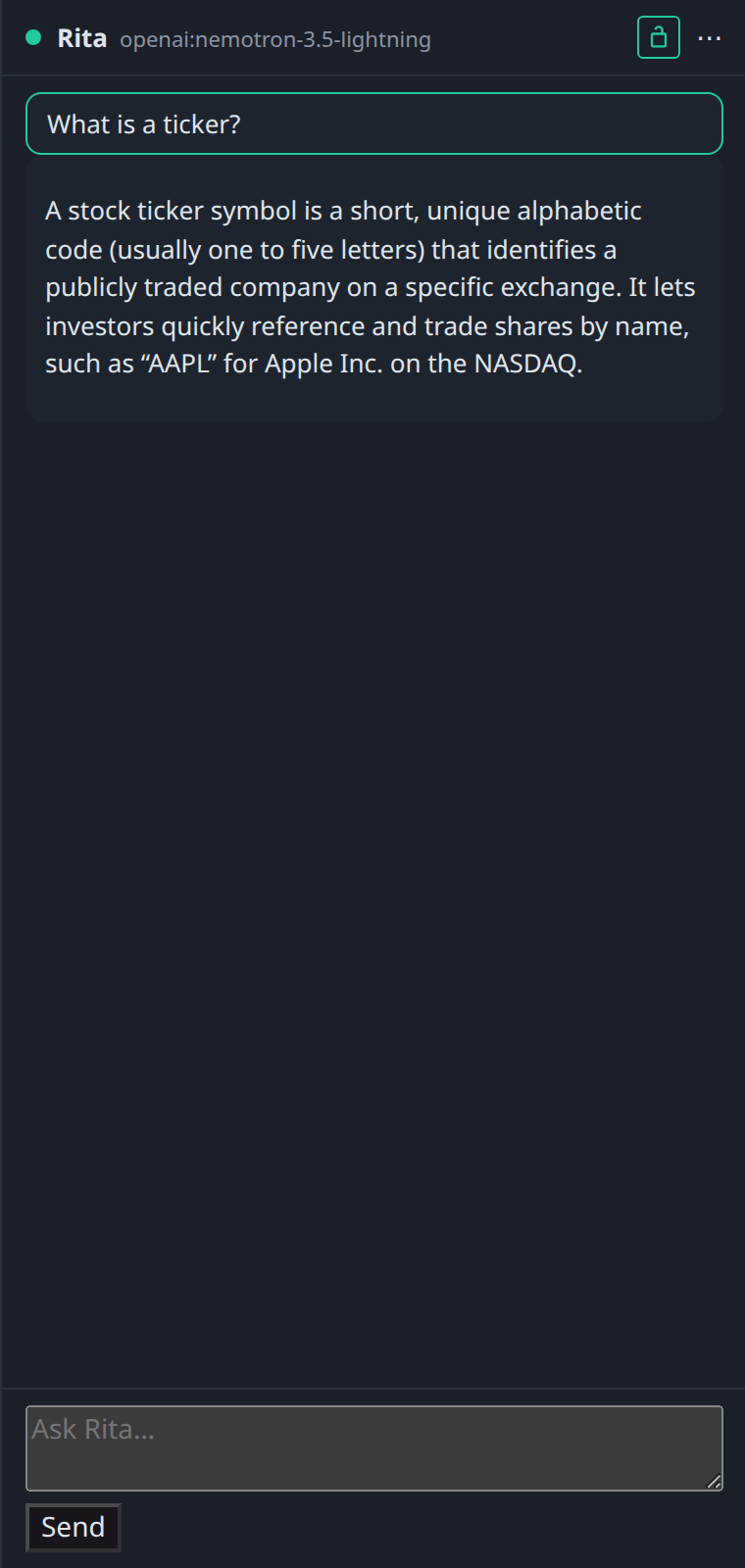
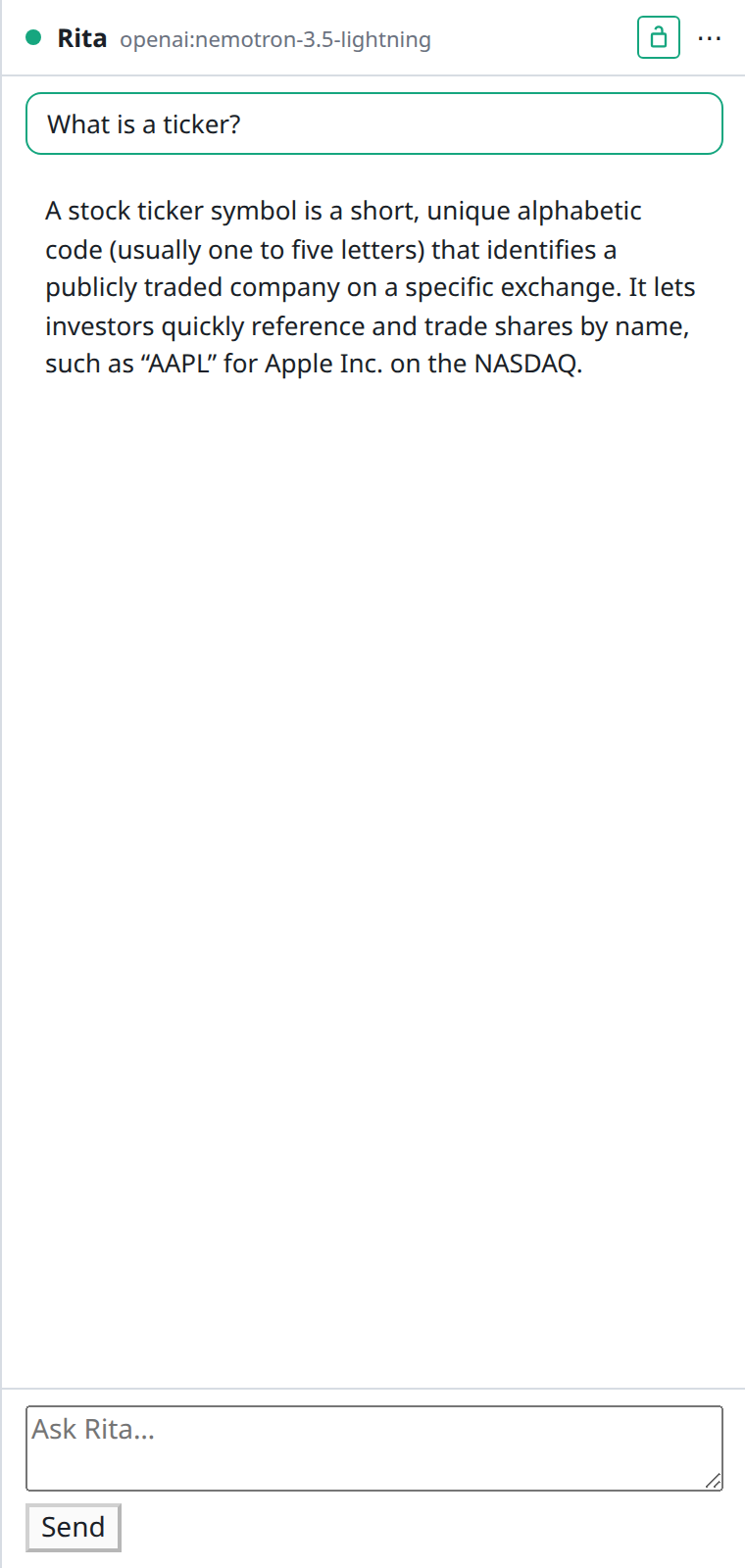
Rita speaks OpenBB's custom-agent protocol, so it fits the contract you already use. In BDOBB it adds eighteen local tools that build dashboards, add, move, rename and pin cards, set parameters, write notes and arrange tables through the same report engine as the Pivot drawer.
- Every change undoable. Each edit lands on an Undo bar.
- Any OpenAI-compatible model, local or hosted. No Workspace account.
- You choose what she can reach. Enable only the MCP servers you trust and switch off any tool; there is no per-call prompt. Provider-key widgets are off-limits to her.
- Context sharing is off by default and sends card definitions, never data.
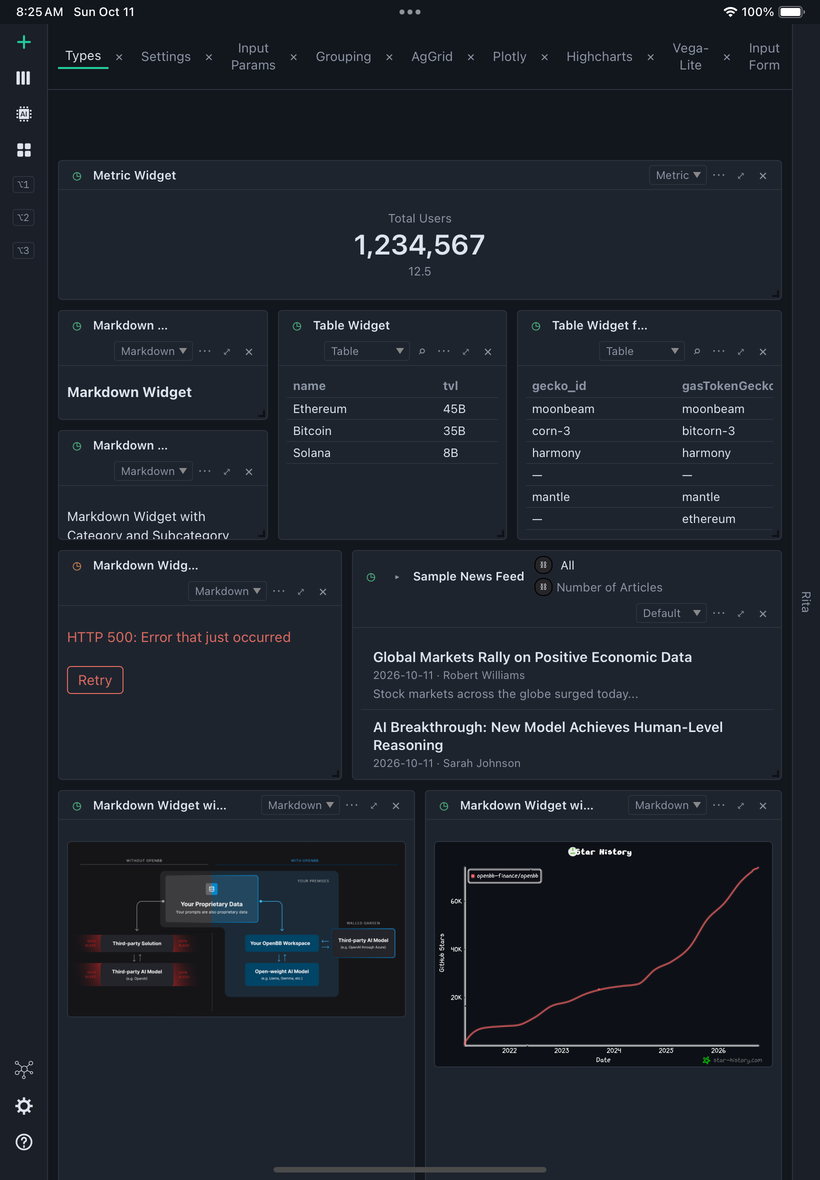
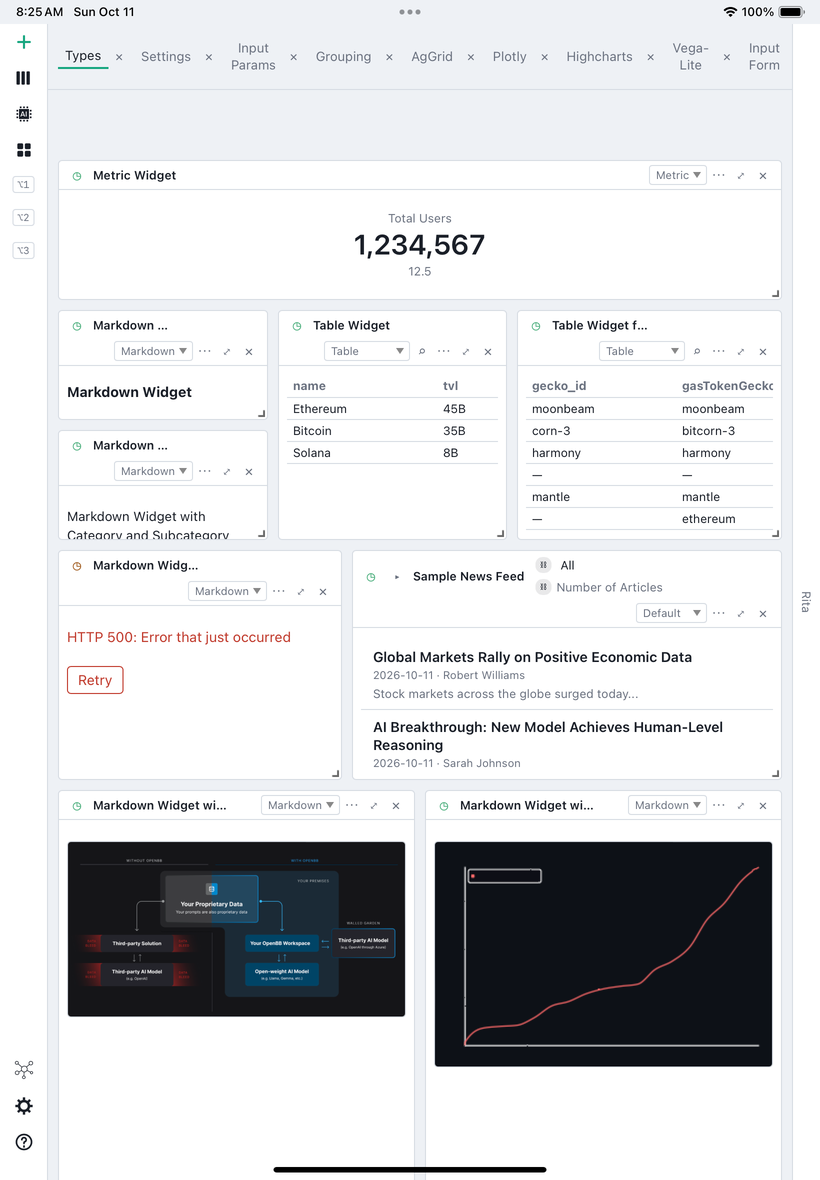
The same app, made for touch.
From 7.0.0 BDOBB runs on iPadOS. Tap the rail to open it, long-press for every context menu, pinch to zoom. The layout fills the screen inside the safe area, and exports go through the system picker to Files.